


Give relaxation as a gift
Sent instantly, printed at home, or handed over in person: here are the three ways to get an Amilda gift card, however you'd like to give it.
01
Online purchase
Choose, personalise and send. It only takes a few minutes, delivered straight to an inbox.
1. Choose the design
Pick one of our designs that suits the recipient or the occasion, and add a personal message to make it truly yours.
2. Choose the amount
Select one of our preset amounts, or enter a custom amount of your choice.
3. Delivered directly
A digital gift card delivers instantly to your recipient's email, perfect for a spontaneous surprise, or collect a blank card anytime from the Gift Card Box outside our boutique.
Prefer to pay with iDEAL? Buy and send your gift card in the Amilda App. Download the app from the App Store or Google Play. More about the app →
02
Print at home
Can't visit us? No problem. You don't need to come to the boutique to give a beautifully presented gift card by hand.
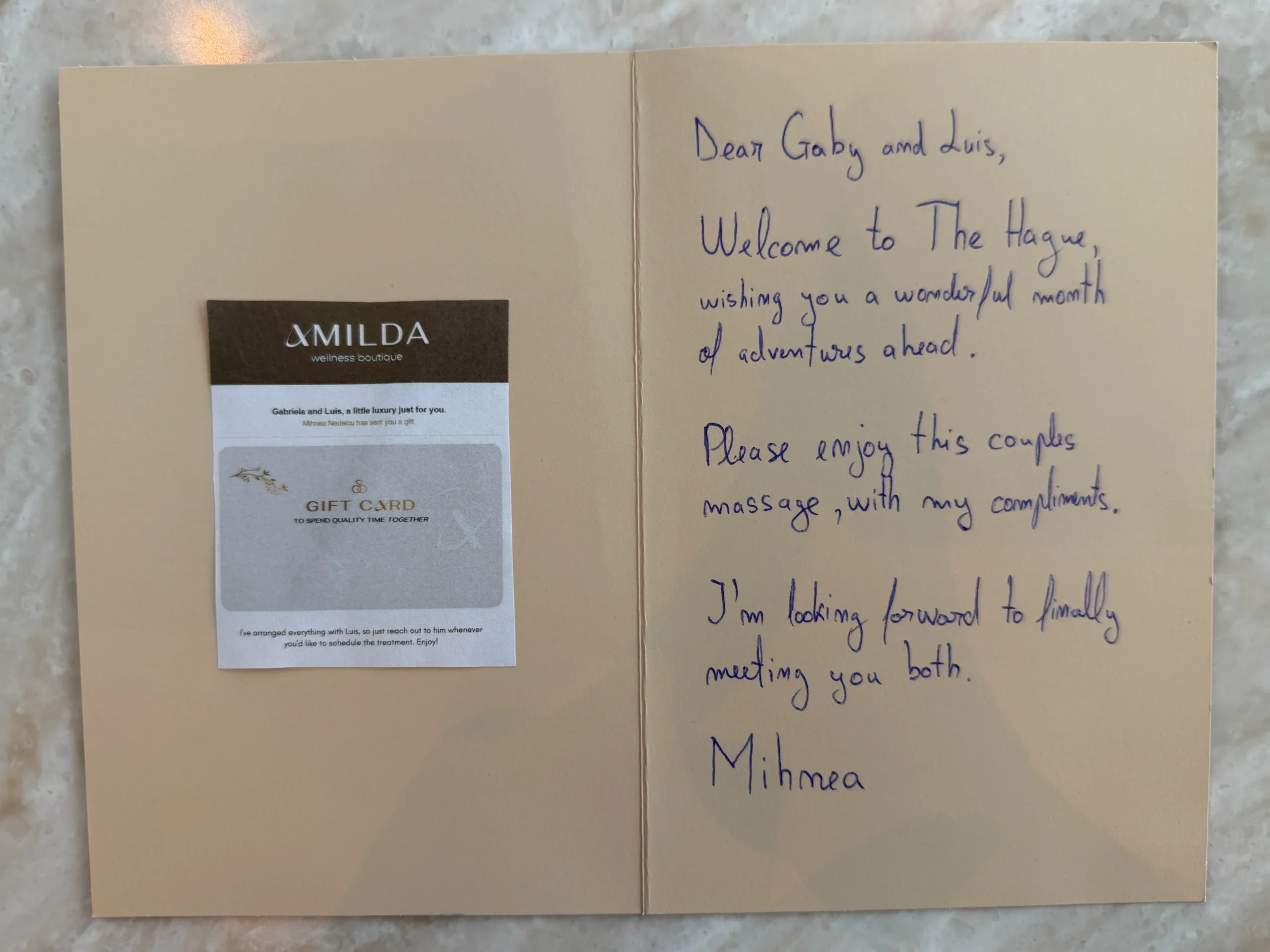
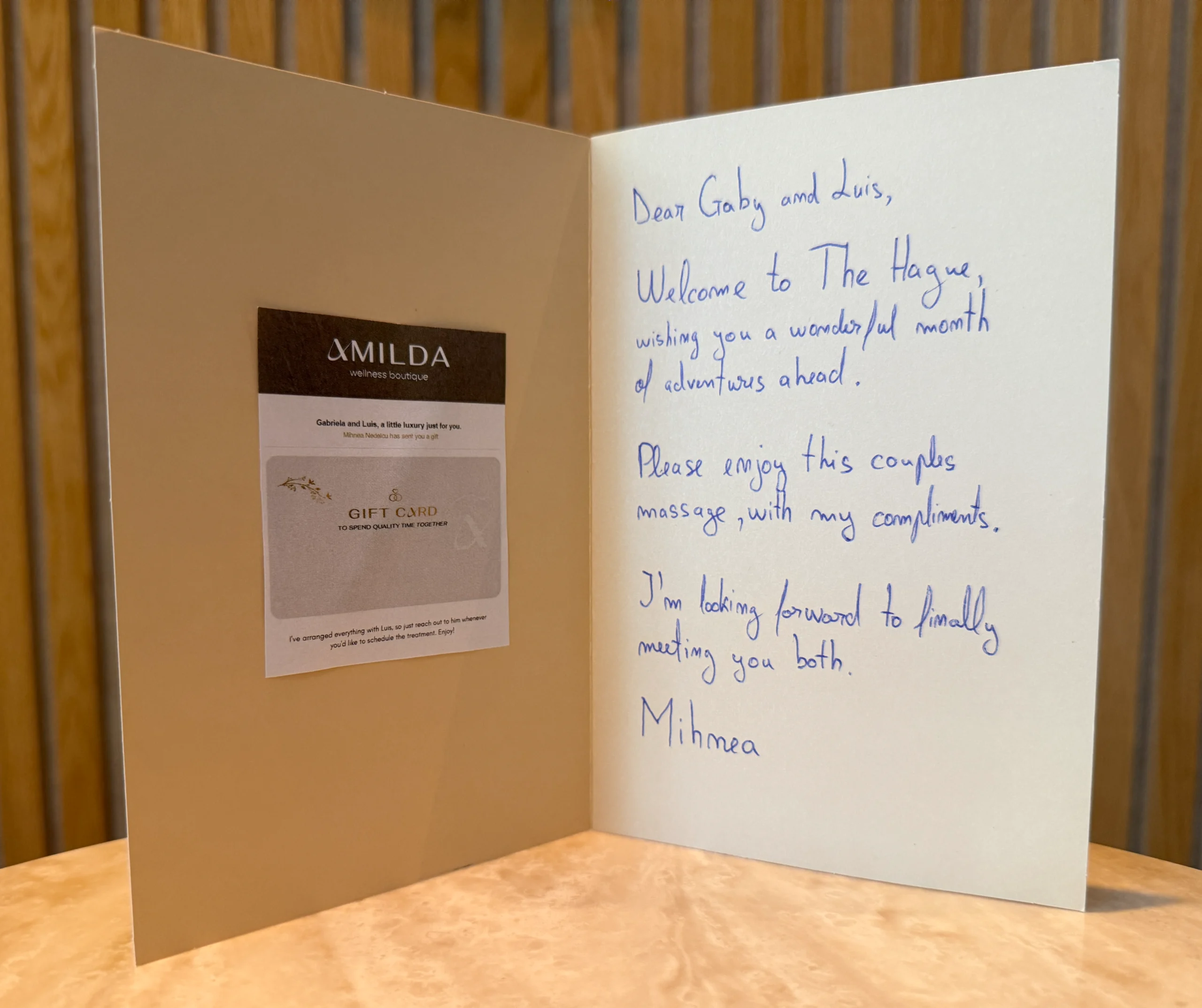
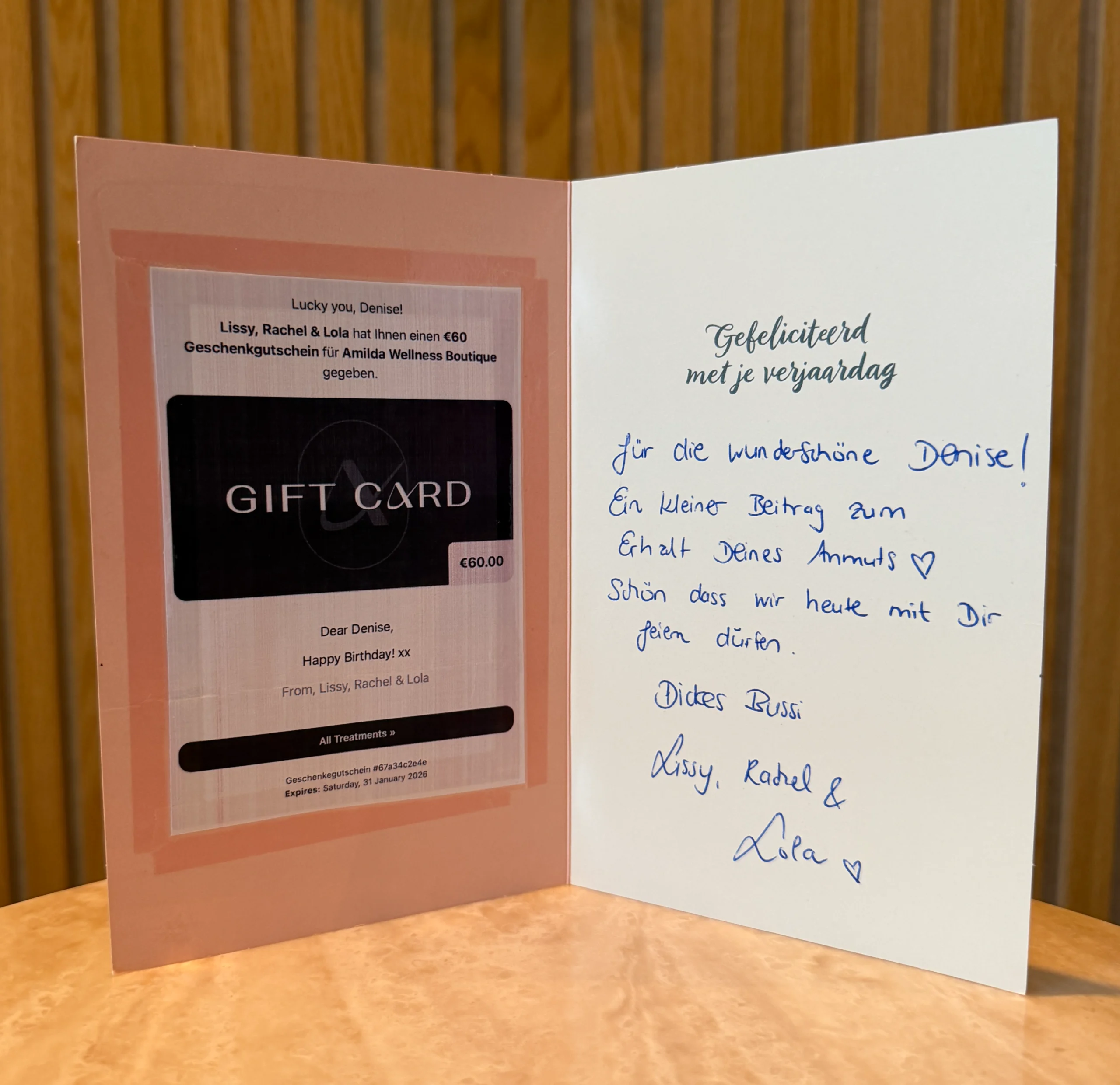
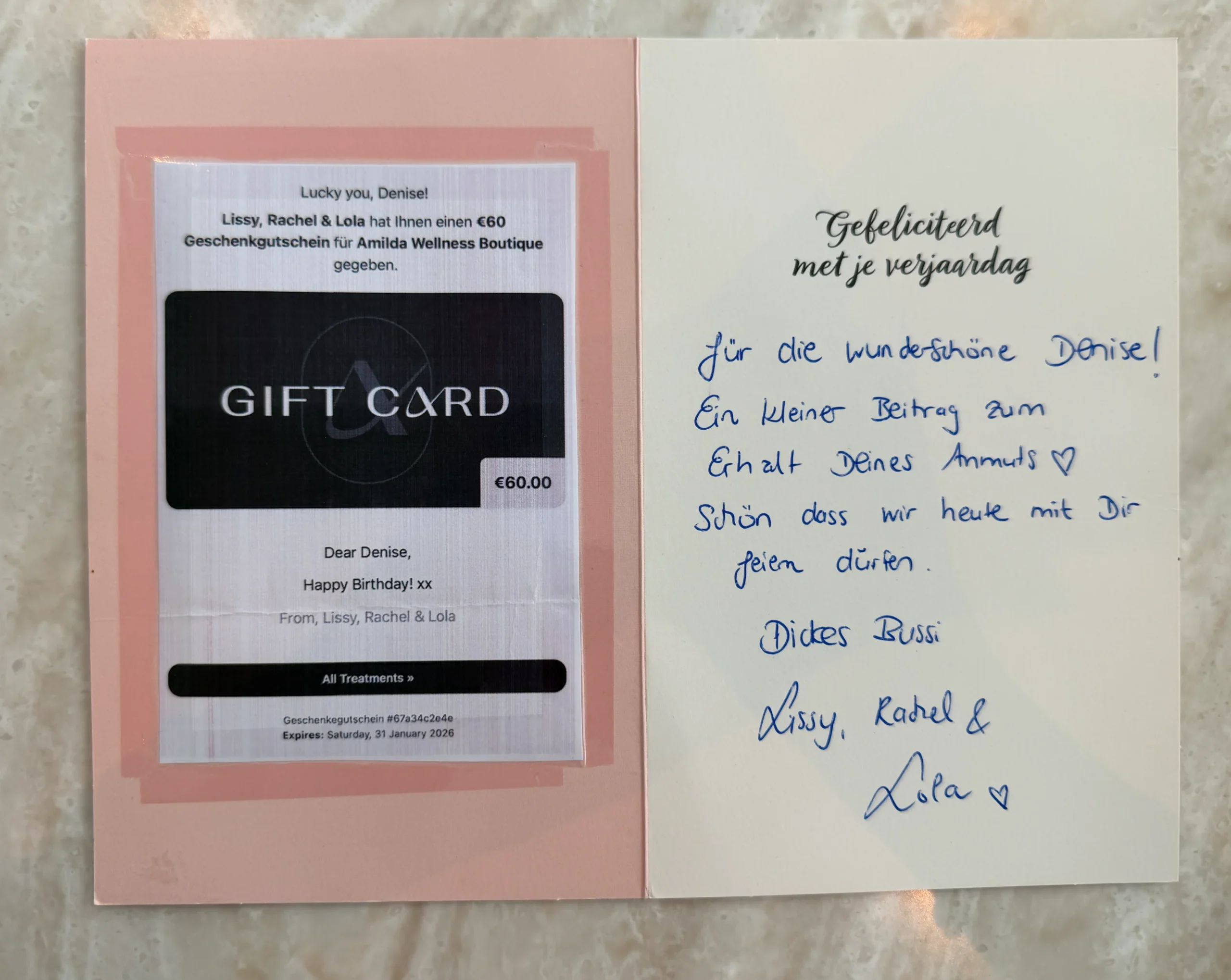
Purchase your gift card online, choose the design you like, and send it to your own email address instead of the recipient's. Once it arrives, print it on a nice piece of paper or card at home and present it however you like: in an envelope, tucked inside a card, or wrapped alongside flowers or a small gift. The presentation is entirely yours to decide.
Need inspiration? See how other guests have presented theirs.
03
Get a physical gift card
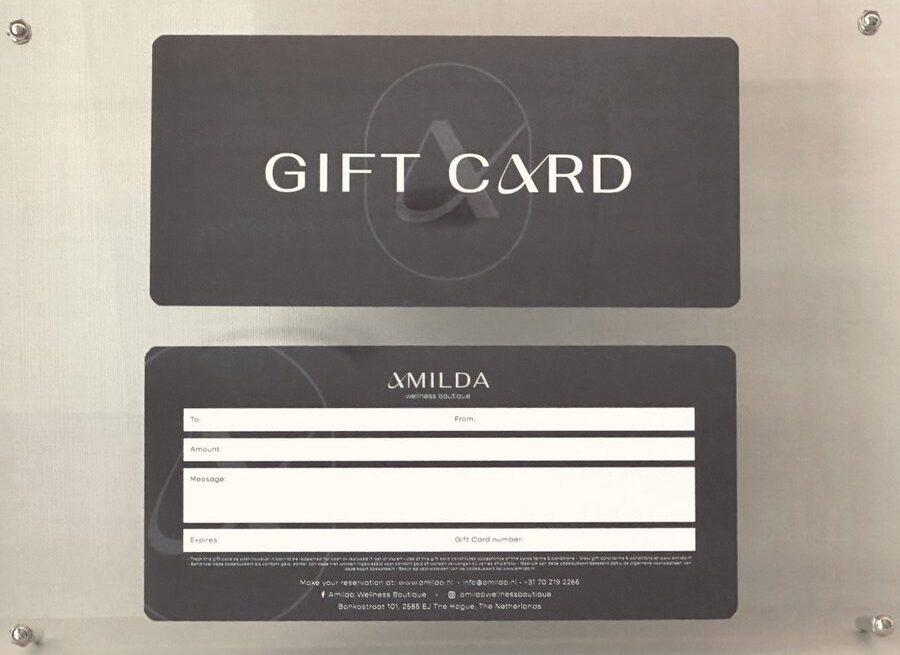
Pick up your gift card at our boutique. We're not there? No problem! Our special Gift Card Box outside our boutique is accessible 24/7, so you can pick up a beautiful gift card and fill it in yourself, whenever it suits you.
1
Get your gift card code and expiry date
Buy your gift card first. The code and expiry date are what make your card valid.
Option A
Pay online
- Buy online at amilda.book.app/gift/card
- Pay with credit card, Apple Pay or Google Pay
- Prefer iDEAL | Wero? See Option B
- You'll receive the gift card code and expiry date by email
Option B
Pay via iDEAL | Wero (Amilda App) Updated
- Download the Amilda Wellness Boutique app and fill in your details (one time)
- Purchase your gift card in the app and pay with iDEAL | Wero
- Send it to your own email to receive the gift card code and expiry date
No iDEAL | Wero, or the app isn't working for you? Message us on WhatsApp (+31702192266) and we'll send a payment link instead.
2
Collect your gift card from the Gift Card Box
Our Gift Card Box is just outside the boutique at Bankastraat 101, open to you anytime, day or night. No appointment needed.
Getting your gift card ready
- Take a gift card from the box, complete with its own envelope.
- Fill in who it's for, who it's from and add a personal message if you like.
- Write down the gift card code and expiry date from your online purchase.
- Ready to gift!
Questions along the way? We're happy to help on WhatsApp or by phone.